
computron
› Open the dashboard.
› Set the filters.
› Run the workflow.
01 / OBSERVE
Just say the word.
A browser task, in plain English.
Tell it once. Let it remember.
Get back to building.
Your next run shouldn't
start from zero.
A browser task, in plain English.
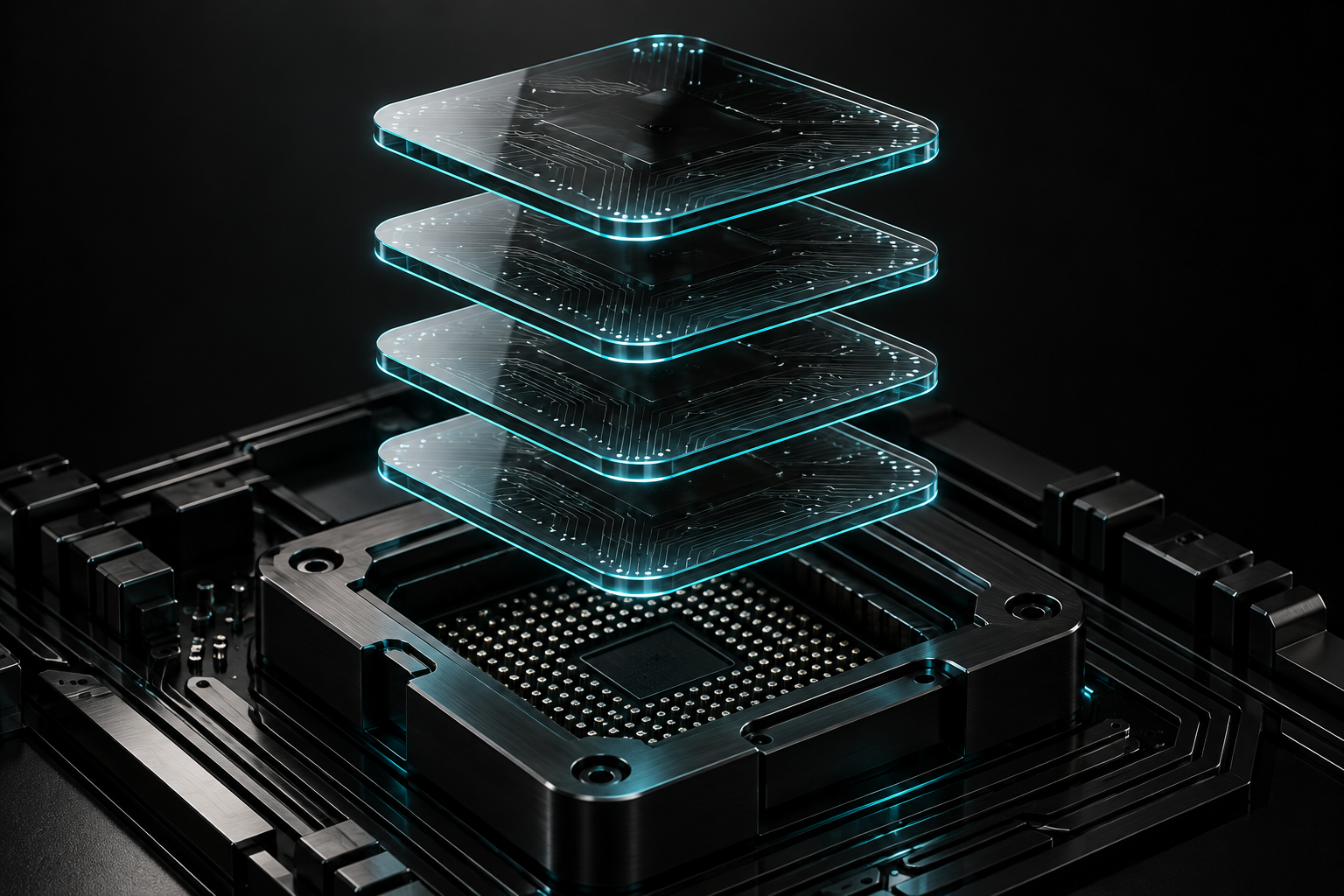
Two matching successes. One trusted workflow.

Replay what works. Adapt when things change.
Scripted interaction demo. Edited playback.
Your tabs. Your logins. Already there.
Readable workflows. Stored on your machine.
When a page changes, Computron reassesses.
git clone https://github.com/Harukadia/Computron.git
cd Computron
npm install
npm run ui:demo
Simulated tasks. No live browser actions.